
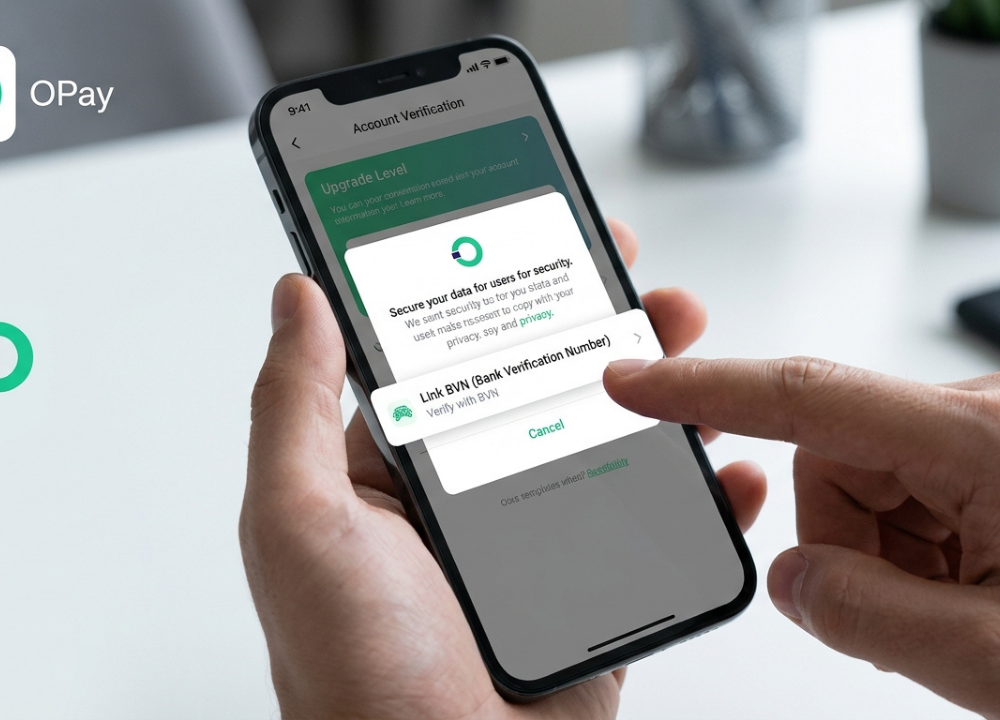

If you use OPay for transfers, bill payments, airtime, savings, or other financial services, you may eventually need to confirm your Bank Verification Number (BVN). For many users, the main question is simple: where can the BVN be found, and what should you do if it is not visible in the app?
This guide explains how to check my BVN on OPay in a practical and beginner-friendly way. It also covers what BVN means, why it matters, what to do when your information does not match, and how to stay safe when dealing with sensitive financial information.
OPay provides financial services through its app and says it uses security measures such as encryption and fraud protection. It also provides 24/7 customer service through its in-app customer service center and official contact channels.
What Is a BVN?
BVN stands for Bank Verification Number. It is a unique identification number used within Nigeria’s banking and financial system to help verify the identity of bank customers. The BVN system is designed to connect a customer’s identity with financial accounts and help financial institutions reduce identity-related fraud. Because it is associated with your verified banking identity, your BVN should be treated as confidential information.
Why Is Your BVN Important?
Your BVN can be important for several reasons:
- It helps verify your identity.
- It supports banking and financial account verification.
- It helps reduce identity fraud.
- It can be required for certain financial services.
- It helps financial institutions distinguish between customers with similar names.
- It may be used when information needs to be matched across financial accounts.
How to Check My BVN on OPay
The exact location of verification information can change as OPay updates its application. Therefore, the safest approach is to look through your current OPay profile and account-verification sections rather than relying on an old screenshot or outdated menu name.
Here is the general process to follow:
Step 1: Open the OPay App
Start by opening the official OPay application on your smartphone. Make sure you are using the legitimate OPay app rather than an unofficial application downloaded from an unknown source. OPay states that its app is available on both iOS and Android.
Step 2: Sign In to Your Account
Log in using your registered OPay credentials. If OPay asks you to complete an additional security or verification step, follow the instructions shown inside the official application.
Step 3: Open Your Profile or Account Section
After logging in, go to your profile, account, or personal-information area.
Look for sections related to:
- Personal information
- Account information
- Verification
- Identity verification
- BVN
- KYC
Step 4: Look for Your BVN or Verification Details
If OPay makes your BVN information available within your account, it should appear in an appropriate verification or personal-information section. Do not assume that every OPay account will display a complete BVN number in exactly the same location. App interfaces change, and some information may only be available during a verification workflow.
Step 5: Confirm the Information
If you can view your BVN or related verification information, carefully check that your personal details are correct.
Pay particular attention to your:
- Full name
- Date of birth
- Registered phone number
- Bank-related identity information
What If Your BVN Is Not Showing on OPay?
One of the most common problems is opening the account section and finding no obvious BVN option. If you are wondering how to check my BVN on OPay but cannot find the information, do not immediately assume that your BVN does not exist or that your account is defective.
Update the OPay App
Check whether a newer version of the OPay application is available through your device’s official app store. An older app version may have a different interface from the current version.
Check Your Verification Status
Look through your account’s verification or KYC-related sections. If your account still needs additional verification, the app may direct you through a verification process instead of displaying information in a simple profile field.
Restart the App
Close the OPay application completely and open it again. A temporary loading or connection problem can sometimes prevent account information from appearing correctly.
How to Check My BVN on OPay If the App Menu Looks Different
Mobile applications are regularly updated, so an instruction written several months ago may not exactly match the current interface. For this reason, focus on the purpose of the menu rather than memorizing a particular button sequence. For example, if an older guide tells you to select a menu with a specific name but you cannot find it, look for the current profile, account, KYC, or verification area instead.
How to Check My BVN Without OPay
If your BVN is not available through your OPay account, you can consider using another legitimate channel associated with your banking identity.
Contact Your Bank
Your bank may be able to help you retrieve or verify your BVN through its authorized customer-service channels. Depending on the bank and the service requested, you may need to provide identification or other account information.
Use an Authorized BVN Service
If you use a BVN retrieval or verification service, make sure it is an authorized service. Avoid websites that promise to reveal your BVN simply by entering your name, phone number, or other personal information.
Ask OPay Support for Guidance
If your goal is specifically related to an OPay account, contacting OPay support may be the most appropriate option. OPay states that it provides 24/7 customer service and directs users toward its in-app customer-service center and official contact channels.
BVN Verification vs. BVN Lookup
It is useful to understand that BVN verification and BVN lookup are not necessarily the same thing. BVN verification generally means confirming that information associated with your identity is valid or matches the relevant records.
| Feature | BVN Verification | BVN Lookup |
| Main purpose | Confirm identity or information | Retrieve or find your BVN |
| Common use | Account verification | When you need to know your BVN |
| May involve personal details | Yes | Yes |
| Should use secure channels | Yes | Yes |
| Best source | Authorized financial institution | Authorized financial institution or service |
What If Your BVN Details Do Not Match Your OPay Information?
Sometimes users discover that their name, date of birth, or other personal details do not match between their financial accounts. For example, a difference in spelling between your bank records and your OPay account could potentially require correction before verification can be completed.
Check Your Personal Details
First, review the personal information associated with your OPay account.
Look for obvious errors such as:
- Incorrect spelling
- Wrong date of birth
- Outdated phone number
- Missing middle name
- Different name format
Do Not Try to Create a New BVN
A mismatch does not mean you should attempt to obtain a completely new BVN. Instead, identify which information is incorrect and contact the appropriate financial institution or official support channel for guidance.
Common Problems When Checking BVN on OPay
BVN Option Is Missing
The BVN section may not be visible because the current app interface, account status, or verification process differs from what you saw in an online tutorial. Check the latest version of the app and look under account or verification-related sections.
Verification Keeps Failing
If verification repeatedly fails, check your internet connection and make sure your personal information is accurate. If the problem continues, contact official OPay support rather than using a third-party service.
Your Personal Details Are Different
A mismatch between your financial records can prevent verification from being completed smoothly. In that situation, determine which record needs correction and follow the official correction process.
How to Check My BVN on OPay Safely
When dealing with financial information, convenience should never come before security. Keep these safety tips in mind:
Never Publish Your BVN Online
Do not post your BVN on social media, public forums, comments, or websites.
Use Official OPay Channels
If you need assistance, use the customer-service options provided by OPay itself. OPay states that it uses security measures including encryption and fraud protection and provides official customer-support channels.
Avoid Unofficial BVN Websites
Search engines can return many websites claiming to offer financial services. That does not mean they are trustworthy. Before entering personal or banking information, verify that you are dealing with the appropriate official organization.
How to Check My BVN on OPay When You Need It for Verification
If you need your BVN for an account-verification process, start with the OPay app and check your current account or verification information. If the number is not displayed, avoid guessing or entering a random number. Instead, retrieve the correct BVN through an authorized channel such as your bank or another legitimate BVN service. Accuracy is particularly important because entering incorrect identity information can cause unnecessary verification problems.
Conclusion
Knowing your BVN can be useful whenever you need to complete financial verification or confirm your identity. OPay users should begin by checking their current account and verification sections within the official app. If the information is unavailable, that does not necessarily mean there is a problem with your account. App layouts, account requirements, and verification processes can change. In those situations, the safest solution is to use official OPay support or another authorized financial institution. By following these precautions, you can handle how to check my BVN on OPay more confidently while reducing the risk of exposing your financial information.
FAQs
Q1: How to check my BVN on OPay?
Ans: Open the official OPay app, sign in, and check your profile, account, personal-information, or verification sections for BVN-related information. Because OPay can change its app interface, the exact menu name may differ by version. If you cannot find it, use OPay’s official customer-support channel for guidance.
Q2: Can I see my BVN directly in the OPay app?
Ans: The information available can depend on your account status and the current OPay app interface. Check your account and verification sections first. If your BVN is not displayed, use an authorized BVN retrieval method or contact official OPay support.
Q3: What should I do if my BVN is not showing on OPay?
Ans: First update the OPay app, check your account and verification sections, and make sure your internet connection is working. If the information remains unavailable, contact OPay through its official customer-service channels.
Q4: Can I check my BVN without using OPay?
Ans: Yes. If your BVN is not available through OPay, you can contact your bank or use an authorized BVN service. Always use legitimate financial channels and avoid unknown websites requesting sensitive information.
Q5: Why is my BVN not matching my OPay information?
Ans: Your name, date of birth, or another personal detail may differ between your records. Review your information carefully and contact the appropriate bank or OPay support channel to determine which information needs correction.
Q6: Can I change my BVN on OPay?
Ans: A BVN is a banking identity number, so it should not be treated like a normal profile field that can simply be replaced. If your BVN information is incorrect or there is a mismatch, contact the appropriate financial institution or official OPay support for the correct procedure.
Q7: Is it safe to share my BVN with someone?
Ans: Your BVN is sensitive financial information and should be handled carefully. Do not post it publicly or give it to unknown individuals. Never share your OTP, PIN, password, or other account-security credentials with someone claiming they need them to retrieve your BVN.